


Memory Module Series
addlink Memory Modules (DDR5 / DDR4) — Choose the right RAM in 30 seconds. Pick your platform (Desktop UDIMM or Laptop SO-DIMM), then choose your goal: maximum performance/overclocking or stable everyday value. This page lists addlink DDR5 and DDR4 series—open any model to confirm exact compatibility, kit options, and supported platforms before you buy.
• Gaming / creator / high-end builds: go DDR5 + performance series• Mainstream upgrades / best value: go DDR4 or value series• Desktop PC: choose UDIMM
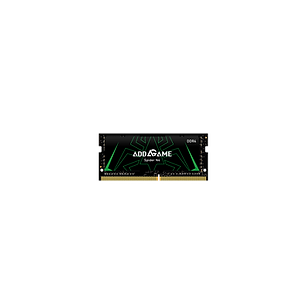
• Laptop / mini PC: choose SO-DIMM




Quick Choosing Guide
1. In order to reach the maximum rated speed for XMP or EXPO memory kits, you must activate the XMP/EXPO/DOCP/ profile in the BIOS on compatible hardware. This process involves overclocking and necessitates BIOS configuration adjustments.
2. Before XMP or EXPO is enabled, memory modules will run at their default SPD speed with compatible hardware under standard BIOS settings.
3. Reaching the rated XMP/EXPO overclock speed depends on your motherboard and CPU's capabilities